

How Enrollment Teams Can Pilot Free AI Chatbot Sites Before Answering Student Questions
Modern school admissions offices face a constant stream of inquiries from prospective students and parents. Implementing a virtual assistant is one practical way to streamline these conversations. By exploring free AI chatbot sites, admissions coordinators can design, test, and refine conversational tools before deploying them on public-facing school portals. A well-planned pilot program ensures that academic support staff can evaluate technology limits and user patterns before committing resources to a permanent installation.
An enrollment department has unique needs. Unlike standard retail customer service, school communications must remain accurate, respectful, and secure. A chatbot is never a substitute for human professionals. It cannot replace the expert judgment of counselors, nor should it make admissions decisions, perform compliance reviews, issue financial aid judgments, or handle disability accommodation reviews. It is also unsuitable for emergency support or medical advice. Instead, the goal is to build an automated guide that handles routine, repetitive questions, allowing the human team to focus on complex, high-touch interactions.
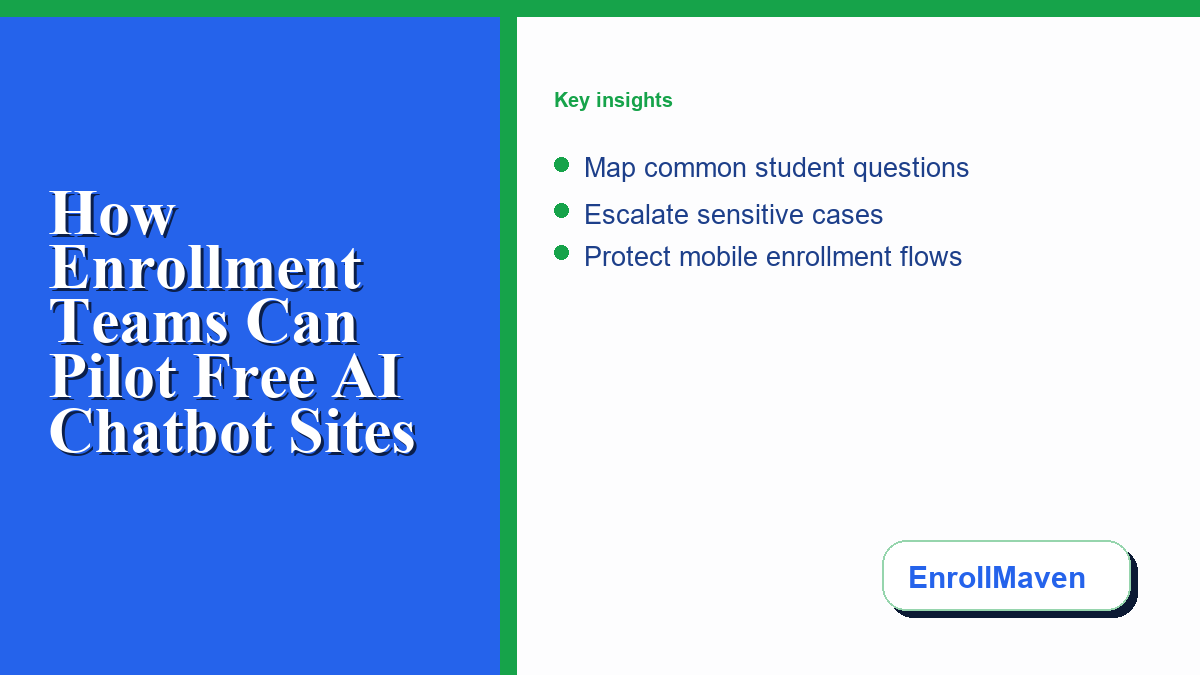
Step 1: Gather Common Questions and Start on Low-Risk Pages
The first stage of any chatbot pilot is scoping the database. Teams should begin by auditing recent incoming emails and phone logs to identify the most common inquiries. Focus on simple, static information that does not change from student to student. Excellent candidates for early training include questions about campus tour hours, application deadlines, parking locations, and school directory contacts. Avoid starting with complex topics like transfer credit evaluations or detailed scholarship requirements.
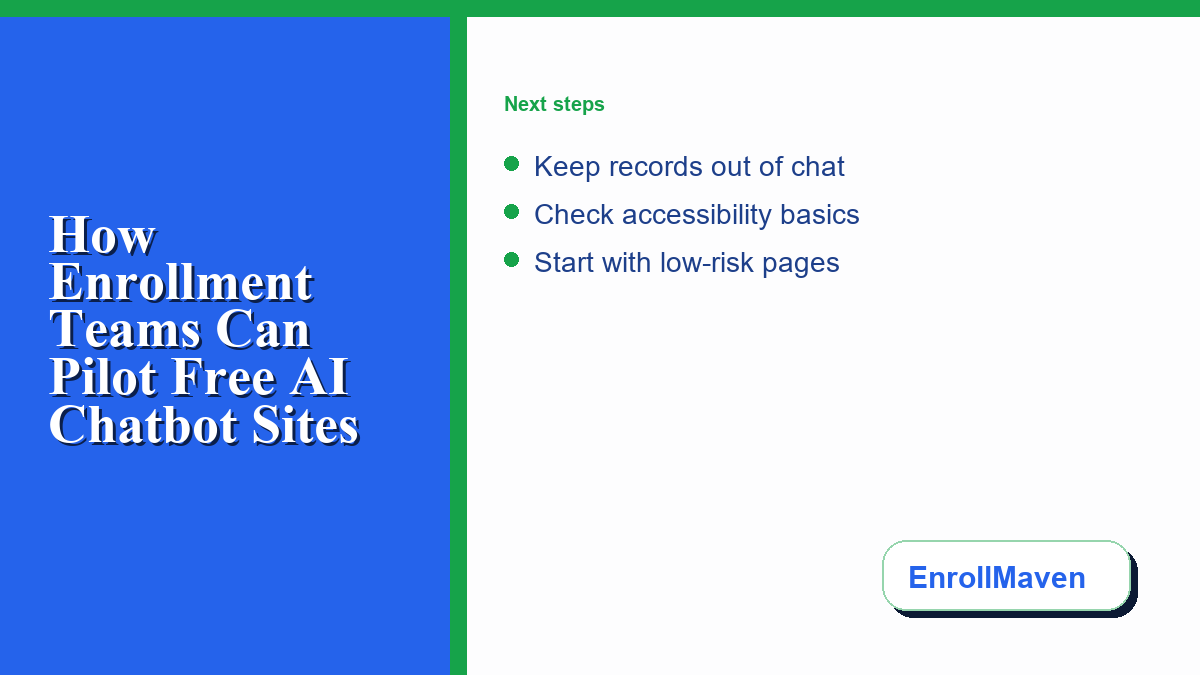
Once you compile a list of basic questions, determine where the pilot will live. Do not place the initial chat widget on high-stakes pages such as the application portal or the financial aid login page. Instead, start on low-risk pages. The campus map, visitor directory, or prospective student events landing pages are ideal testing grounds. These areas attract users who seek general information, meaning any minor technical glitches will have minimal impact on the enrollment pipeline.
Step 2: Define Clear Escalation Rules
No automated tool can answer every question, and attempting to do so will only frustrate prospective students. Therefore, establishing clear escalation rules is critical. If a user asks a question that falls outside the chatbot’s defined database, or if the conversation shows signs of confusion, the system must immediately offer a path to a human staff member. This handoff should be seamless and transparent.
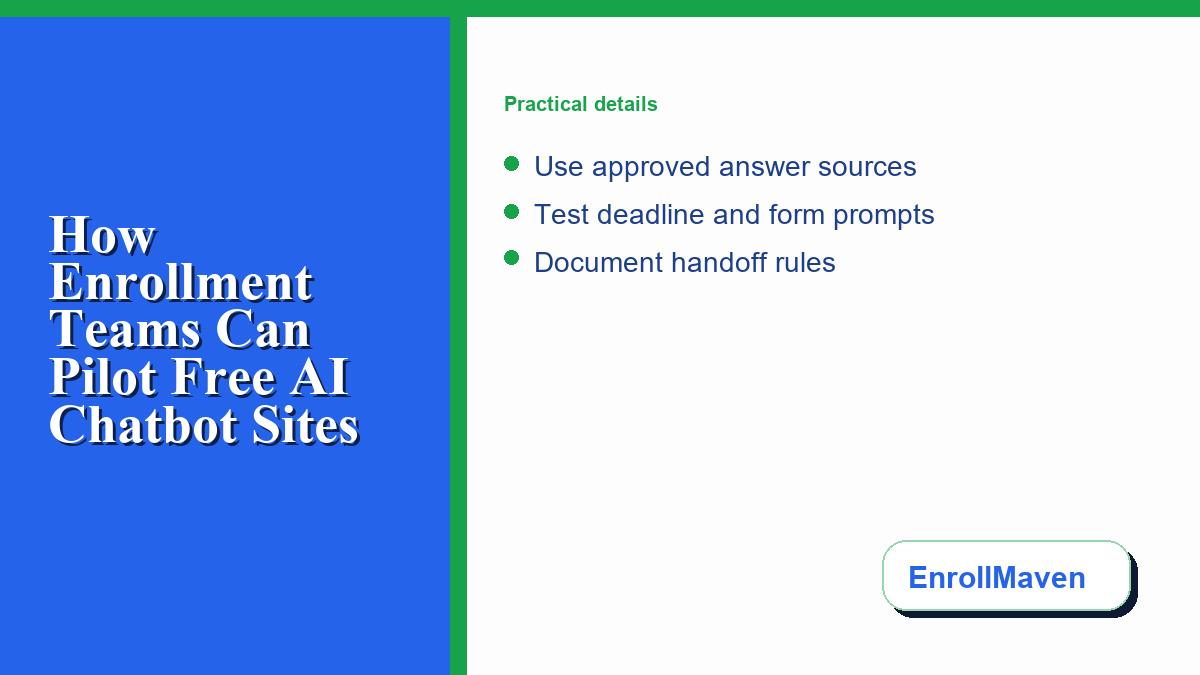
When selecting your platform, look for solutions that let you easily configure these triggers. Many school teams test how easily different platforms can integrate human-in-the-loop fallback options before they add a widget to a live page. The system should present standard options, such as email forms or phone numbers, whenever a query becomes too complex. For example, if a user asks about medical accommodations or requests an official admissions decision, the chatbot must explain its limitations and provide the direct contact info for the appropriate campus specialist.
Step 3: Test Student Privacy and FERPA Cautions
Data privacy is a paramount concern for educational institutions. Even in a limited pilot, admissions coordinators and academic support staff must prioritize the protection of student information. A general rule of thumb is to avoid asking for or collecting any personally identifiable information through the chatbot interface. Reviewing free chatbot websites can help teams compare basic controls, but the chatbot should still function as a one-way information delivery tool rather than a system for retrieving student records.
Keep general student-record and FERPA cautions in mind during the setup. Make sure the welcome message explicitly warns users not to type sensitive personal data, social security numbers, or official grade reports into the chat window. Ensure that the pilot platform does not store user conversations in an unsecured database. Reviewing retention settings and clearing logs regularly are essential steps. If the chatbot does not collect sensitive details, the risk of data exposure is reduced.
Step 4: Protect and Optimize the Mobile User Experience
A significant portion of modern students and parents access school websites using mobile devices. If a chatbot widget is bulky, slow, or covers up important navigation menus, it will detract from the user experience. During the pilot, team members should test the widget on a variety of mobile devices and screen sizes.
Ensure that the chat bubble is easy to tap but does not block crucial text on the page. The chat window should resize dynamically to fit mobile screens, allowing users to read responses without zooming. Page loading speed is another vital factor. A chatbot script should load asynchronously so it does not delay the main page content. A slow mobile experience can lead to high bounce rates, which hurts enrollment efforts. Testing mobile usability early helps ensure a smooth experience.
Step 5: Measure Helpfulness and Analyze Logs
A pilot is only useful if you collect actionable data. Throughout the trial period, the enrollment team should review conversation logs to measure the chatbot’s helpfulness. Look at which questions were asked most frequently and identify where the chatbot failed to provide an accurate answer. This log analysis highlights gaps in the database and shows where the team needs to refine the responses.
Measure basic metrics such as the total number of interactions, the rate of successful resolutions, and the frequency of human escalations. If the escalation rate is high, it may indicate that the database needs to be expanded. Conversely, if a large percentage of visitors find answers quickly without calling the office, the pilot is a success. Use these insights to iterate on the conversational script, improving accuracy before considering a wider rollout.
Frequently Asked Questions
Can a chatbot determine a student’s admissions status?
No, a chatbot is designed to provide general information about deadlines and requirements. It cannot make admissions decisions, evaluate transcripts, or verify application status, which must always be handled by qualified admissions counselors.
How does the chatbot handle complex financial aid questions?
The chatbot provides general links to financial aid forms and office hours. It does not make financial aid judgments or provide personalized advice. Any specific financial aid questions are escalated to the financial aid office.
Is student data safe when using a pilot chatbot?
To reduce risk, the pilot chatbot should not collect personally identifiable information. Users are explicitly cautioned not to share sensitive details or student records in the chat window.

0 Comments